




Introduction
Time blocking helps remote workers stay productive by scheduling specific time slots for tasks. This method reduces decision fatigue, combats distractions, and improves focus. Studies reveal that a structured 40-hour workweek can match the output of an unstructured 60-hour week. Tools like Sunsama, Morgen, and Reclaim simplify time blocking, while apps like Todoist and Google Calendar offer budget-friendly options.
Key Takeaways:
- Sunsama: Great for work-life balance with daily planning tools. Costs $16–$20/month.
- Morgen: AI-powered planner with reusable templates. Pricing starts at $15/month.
- Toggl Track: Tracks billable hours for freelancers. Free for up to 5 users; paid plans from $9/month.
- Clockwise: Automates focus time but shutting down on March 27, 2026.
- Reclaim: AI schedules tasks and habits. Free plan available; paid starts at $10/month.
- Budget Options: Todoist, TickTick, and Google Calendar offer affordable or free solutions.
Quick Comparison
| Tool | Key Features | Pricing | Best For |
|---|---|---|---|
| Sunsama | Task projections, integrations | $16–$20/month | Balanced planning |
| Morgen | AI planner, reusable templates | $15–$30/month | Structured scheduling |
| Toggl Track | Billable hours tracking, reports | Free; $9+/month | Freelancers, agencies |
| Clockwise | Automated focus time, team tools | Free; $6.75+/month | Team collaboration (until 3/27/26) |
| Reclaim | AI task scheduling, habit tracking | Free; $10+/month | Dynamic schedules |
| Todoist | Natural language task creation | Free; $4–$5/month | Simple task management |
| TickTick | Calendar, habit tracking, Pomodoro | Free; $3/month | All-in-one productivity |
| Google Calendar | Free, integrates with Gmail | Free | Basic time management |
To get started, pick a tool that fits your needs, set aside 2–3 focus blocks daily, and plan your schedule each evening for better productivity.

Time Blocking Tools Comparison: Features, Pricing, and Best Use Cases for Remote Workers
How to Manage your Time effectively while Working Remotely
Best Time Blocking Tools for Remote Workers
Remote workers often need reliable tools to manage their schedules effectively. Time blocking apps are particularly useful for planning manageable days, safeguarding focused work periods, and staying flexible when priorities shift. Here’s a closer look at five tools that can make time blocking more efficient for remote professionals.
Sunsama
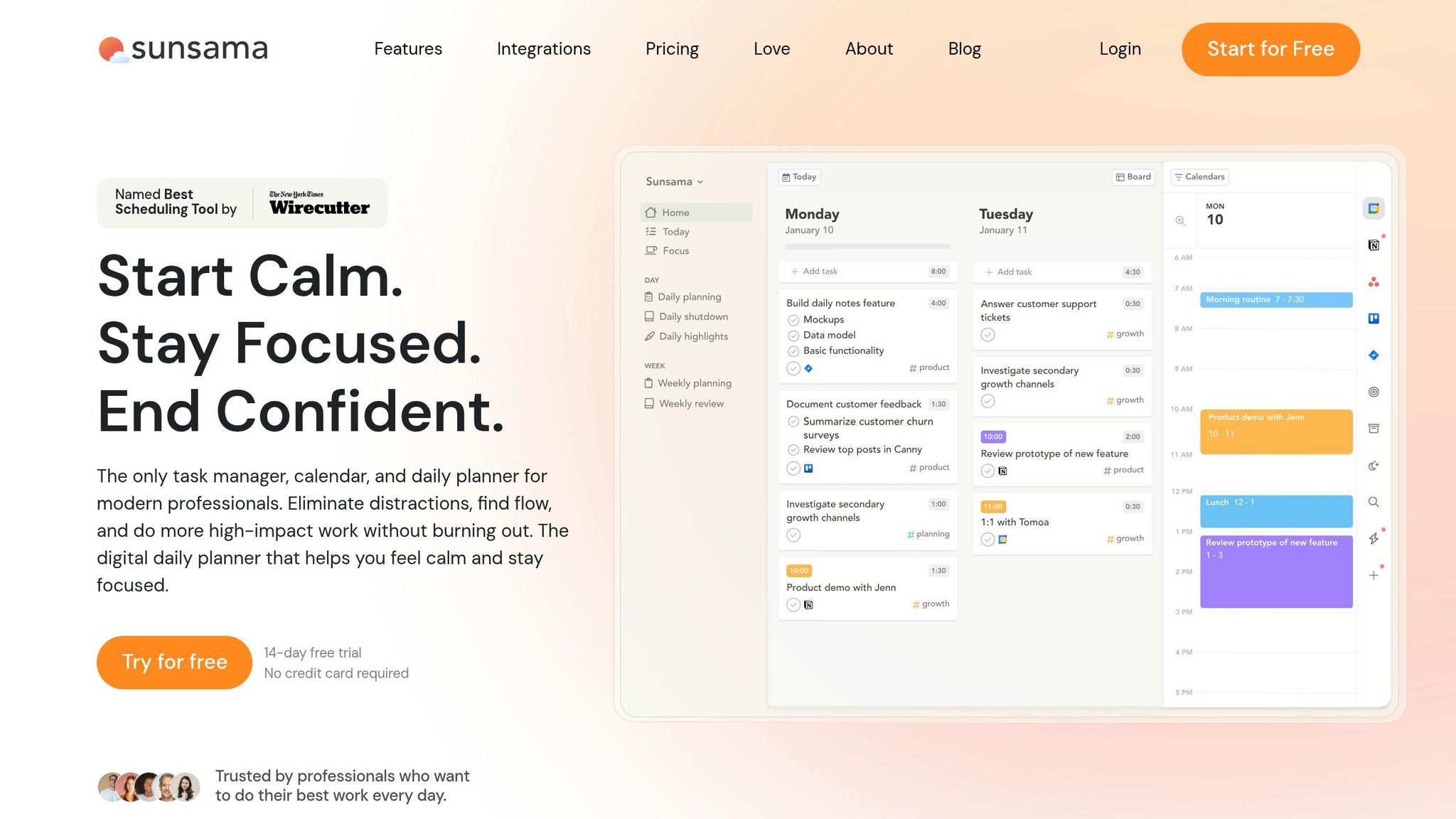
Sunsama offers a structured approach to daily planning with features like "Task Projections", which warns you about overbooked days. It integrates seamlessly with popular project management tools - such as Asana, Trello, and Notion - allowing you to drag tasks directly onto your calendar. It also syncs with Google, Outlook, and Apple calendars, while connecting with platforms like Slack and Gmail through Zapier. Sunsama’s "Daily Shutdown" ritual helps you reflect on your work and unplug at the end of the day.
"Sunsama helps me make better decisions and stay focused on my priorities rather than just reacting to my schedule." - Merci Victoria Grace, Partner, LSVP
| Aspect | Details |
|---|---|
| Pricing | $20/month (monthly) or $16/month (annual); no free plan |
| Pros | Easy-to-use interface; encourages work-life balance; unified task overview |
| Cons | No free plan; relatively high cost; requires manual input |
Morgen
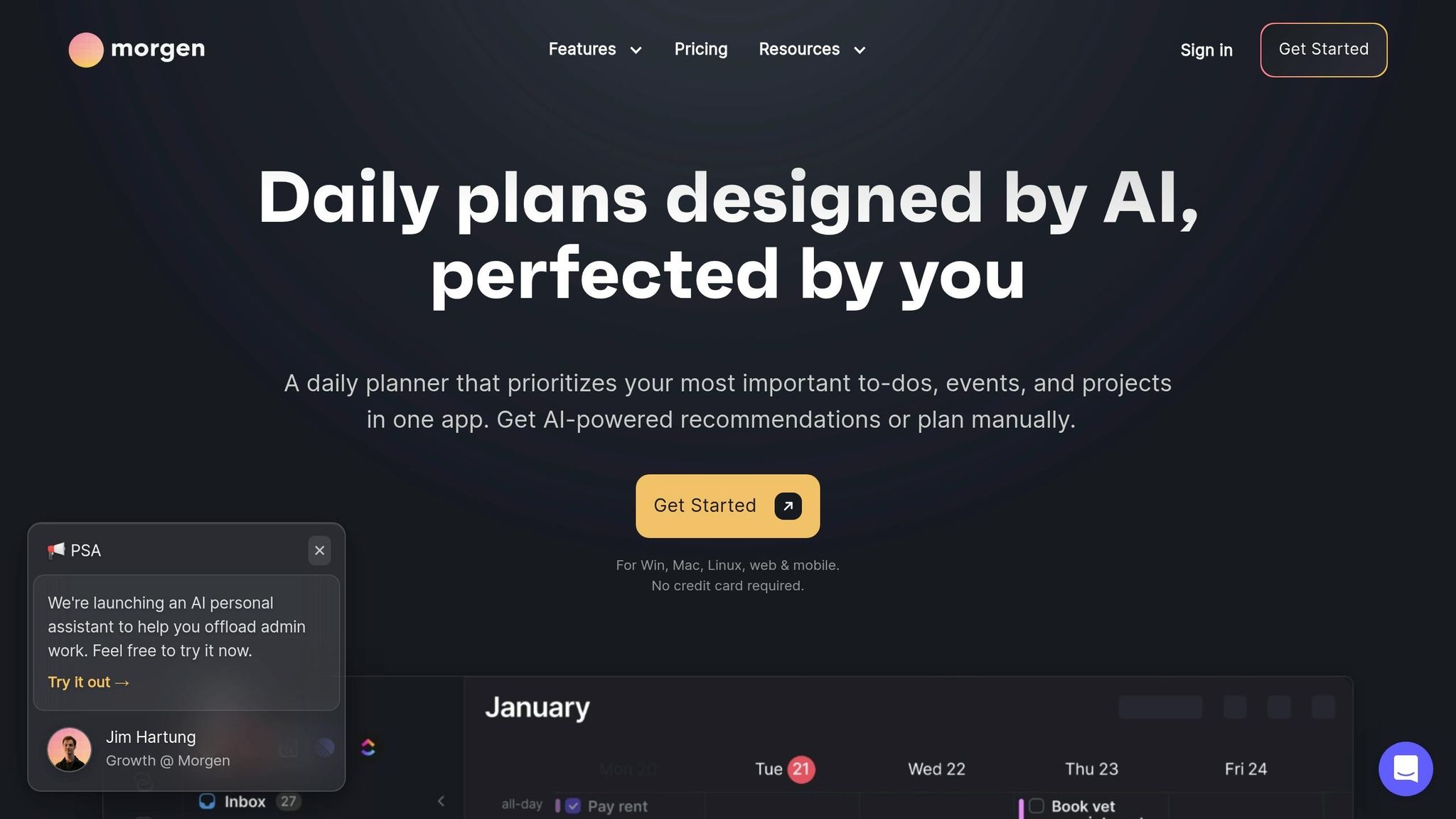
Morgen combines calendars and task management into one streamlined view. Its AI Planner suggests the best times for tasks, while the "Frames" feature allows you to create reusable weekly templates - ideal for setting consistent deep work blocks. Morgen supports multiple calendar platforms, including Google and iCloud, and integrates with tools like Notion and Todoist. It also offers a discount for users switching from other apps.
| Aspect | Details |
|---|---|
| Pricing | Pro plan: $30/month (monthly) or $15/month (annual); Team plan: $10/seat/month (annual) |
| Pros | Combines multiple tools in one place; AI-powered task scheduling; visually organized interface |
| Cons | Steeper learning curve; lacks full project management capabilities |
| Ratings | 4.8/5 on G2; 5.0/5 on Capterra |
Toggl Track
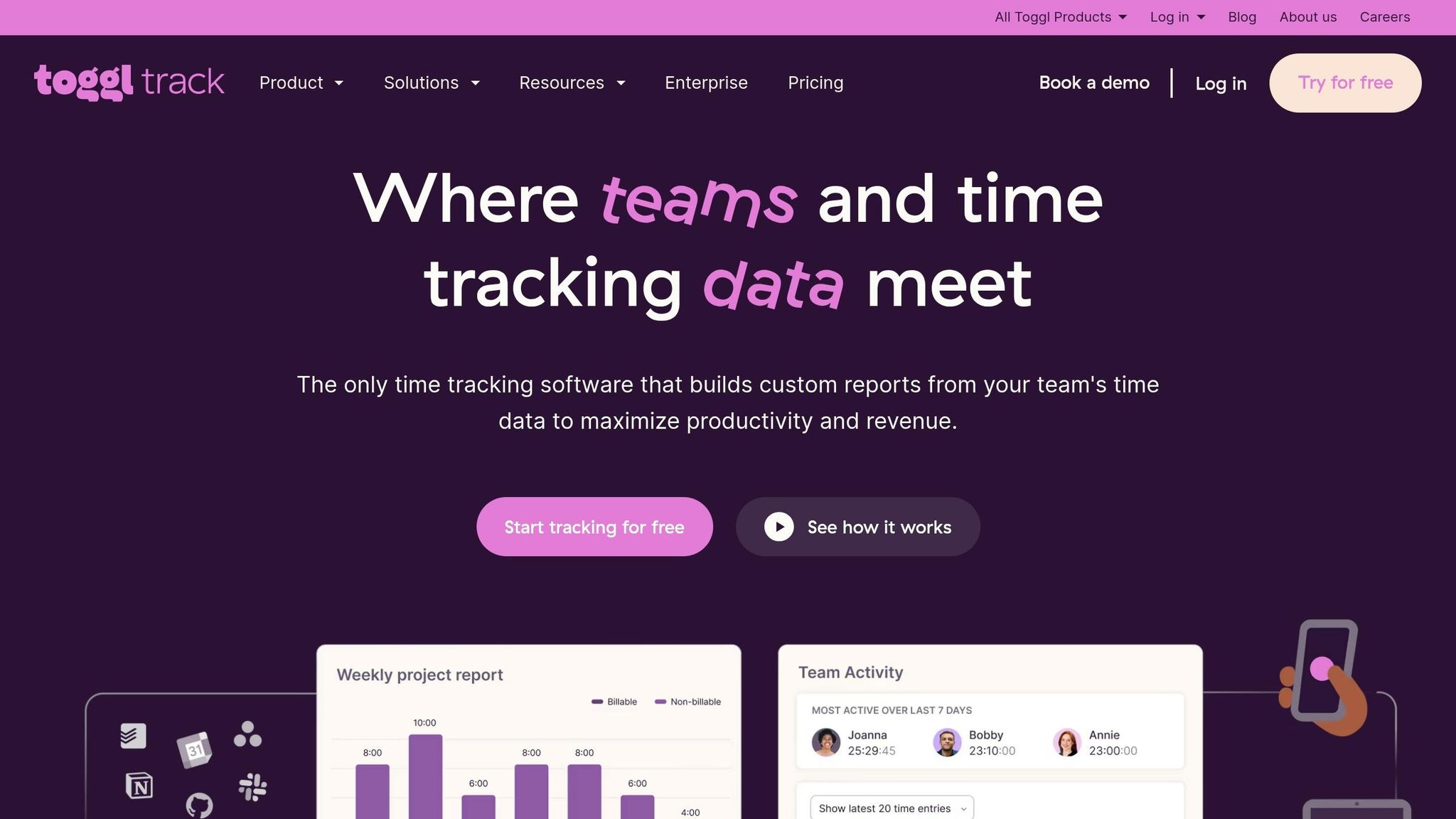
Toggl Track is tailored for professionals who need to track billable hours and client projects. It allows you to tag time blocks by client or project, making it easy to generate detailed reports. The calendar view provides insights into how planned hours align with actual work, which is especially helpful for agencies juggling multiple clients.
| Aspect | Details |
|---|---|
| Pricing | Free for up to 5 users; Starter plan: $9/user/month (annual) |
| Pros | Detailed reporting; tracks billable rates; user-friendly |
| Cons | Advanced features require a paid plan |
Clockwise
Clockwise is designed to optimize team calendars by automatically scheduling "Focus Time" and rearranging flexible meetings to create uninterrupted work periods. It integrates with tools like Slack, Asana, and Zoom, making it great for team collaboration. However, it’s worth noting that Clockwise is set to shut down on March 27, 2026.
| Aspect | Details |
|---|---|
| Pricing | Free plan available; Teams plan: $6.75/user/month (annual) |
| Pros | Protects focus time for teams; automates meeting adjustments |
| Cons | Requires a business email; limited calendar compatibility; end-of-service announced |
| Ratings | 4.7/5 on G2; 4.7/5 on Capterra |
Reclaim
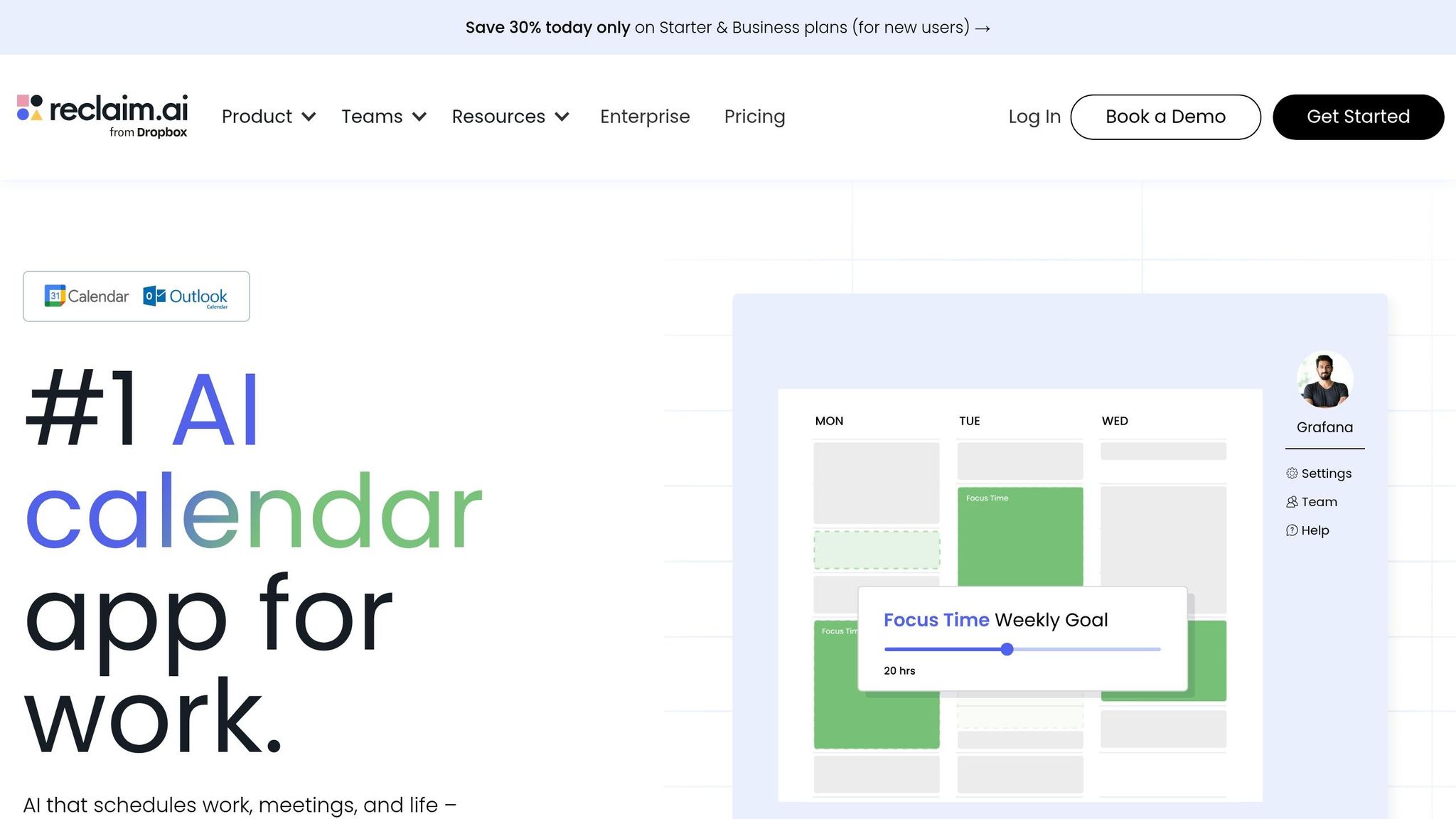
Reclaim uses AI to schedule tasks and habits - like exercise or deep work sessions - by automatically adjusting time blocks when new meetings arise. With integrations for Google Tasks, Todoist, and Linear, it ensures you maintain focus without constant manual adjustments. This tool helps remote workers stick to routines while balancing new priorities.
| Aspect | Details |
|---|---|
| Pricing | Free plan available; Starter plan: $10/user/month (annual) |
| Pros | Automatically adjusts schedules; supports habit-building; helps maintain focus time |
| Cons | Fewer integrations compared to other tools |
| Ratings | 4.8/5 on G2; 4.9/5 on Capterra |
More Time Blocking Tools to Consider
If you're looking for budget-friendly or free time blocking tools, there are plenty of options that deliver essential features without overcomplicating things. Below, we’ll explore three popular tools - Todoist, TickTick, and Google Calendar - that cater to different productivity needs. These tools are ideal for remote professionals seeking reliable time management solutions without breaking the bank.
Todoist
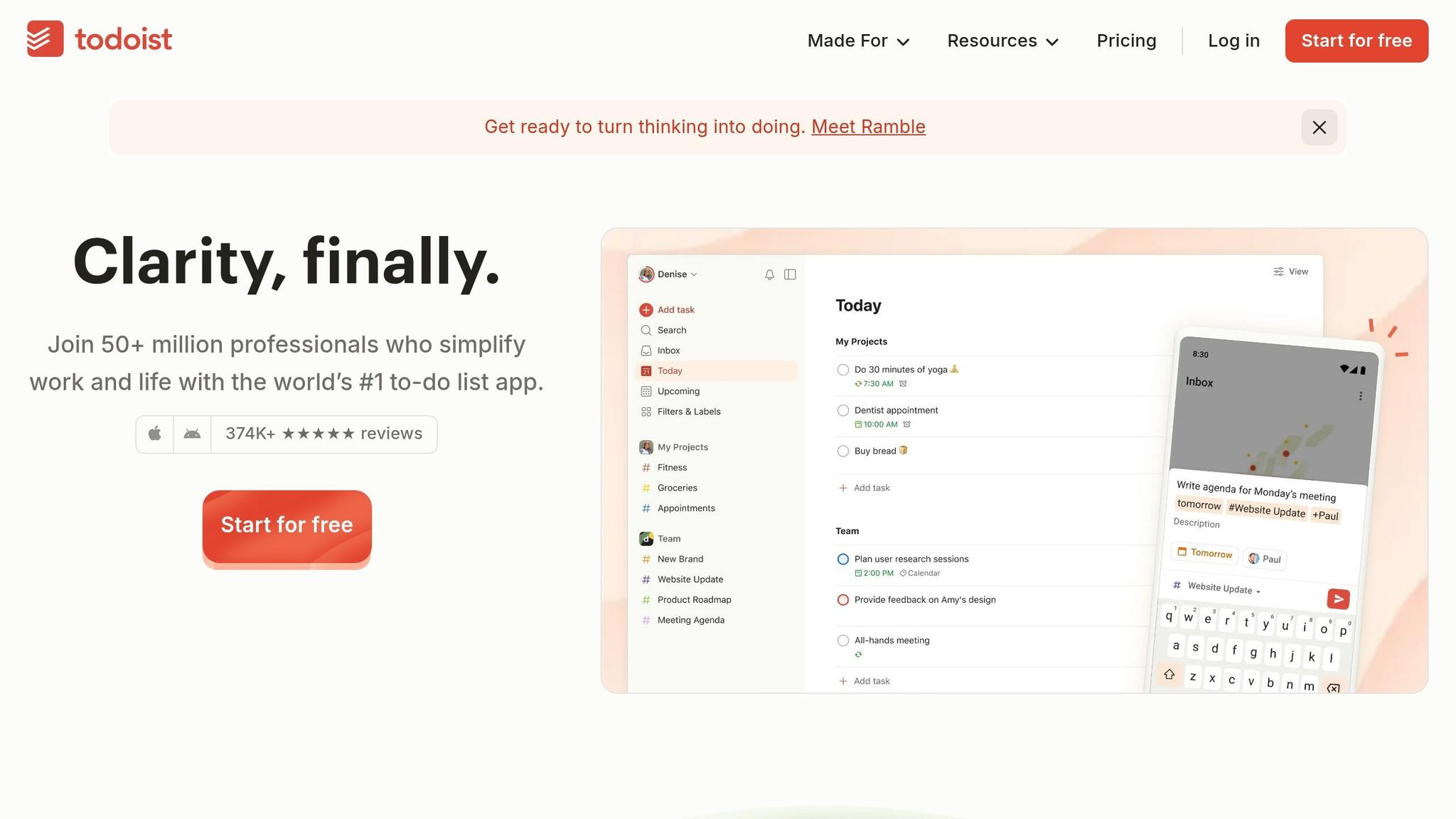
Todoist stands out for its ability to quickly capture tasks using natural language. For example, you can type something like "tomorrow at 10:00 AM for 25 minutes", and the app will automatically set up the time block. With over 30 million users and a track record of more than 2 billion tasks completed, Todoist has proven itself as a dependable tool over nearly two decades.
It also syncs seamlessly with Google Calendar and Outlook, ensuring that tasks appear as events in your external calendar. Any updates made in one platform will reflect in the other, helping you avoid double-booking. Additionally, the "Plan" sidebar allows you to drag and drop overdue or backlogged tasks onto a calendar layout, making it easy to assign specific times and durations.
| Aspect | Details |
|---|---|
| Pricing | Free for up to 5 projects; Pro: $4/month (annual) or $5/month |
| Pros | Excellent natural language processing, reliable two-way sync, strong project organization |
| Cons | Calendar views require a Pro subscription; interface can feel cluttered when managing multiple projects |
| Ratings | 4.8/5 stars from over 374,000 reviews on App Store and Google Play |
TickTick
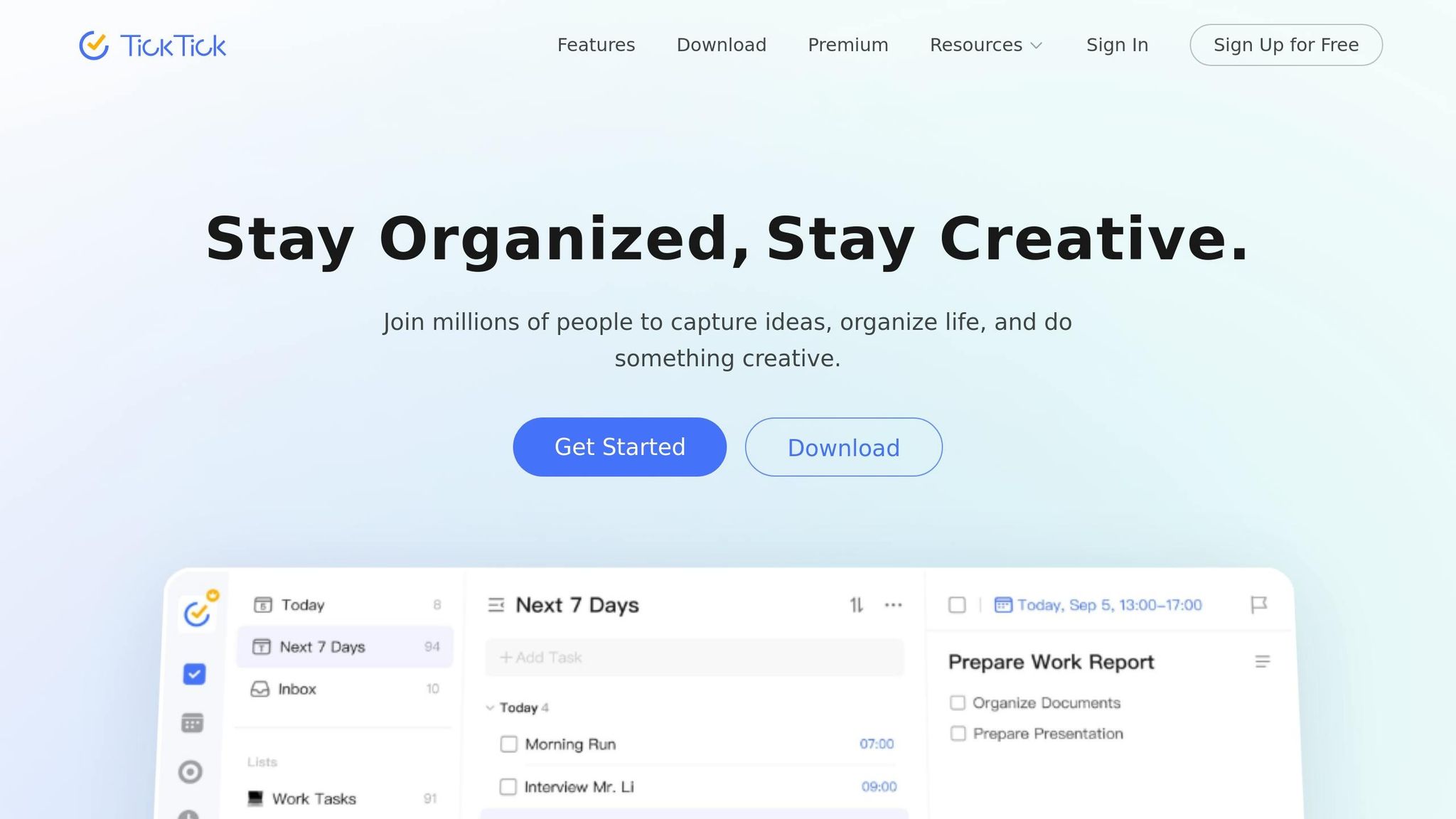
TickTick offers a comprehensive suite of productivity tools, including a built-in calendar, habit tracking, Pomodoro timers, and even an Eisenhower Matrix - all at a budget-friendly price point. Tech reviewer MKBHD praised it as his "favorite app of the entire year" for task management.
The app provides several calendar views - Monthly, Weekly, Agenda, Multi-Day, and Multi-Week - so you can visualize your schedule in the way that suits you best. Its "Constant Reminder" feature ensures you don’t overlook tasks, as it keeps pinging until acknowledged. For those who enjoy customization, TickTick also offers over 40 themes to personalize your workspace.
"The Eisenhower matrix to view priorities has been a brilliant innovation." - Yohama Caraballo-Arias M.D., Professor and Researcher
| Aspect | Details |
|---|---|
| Pricing | Free with limited features; Premium: $35.99/year (around $3/month) |
| Pros | Affordable, includes drag-and-drop calendar, and integrates focus and habit-building tools |
| Cons | Calendar access requires Premium; one-way sync with external calendars; feature-packed interface can feel overwhelming |
Google Calendar
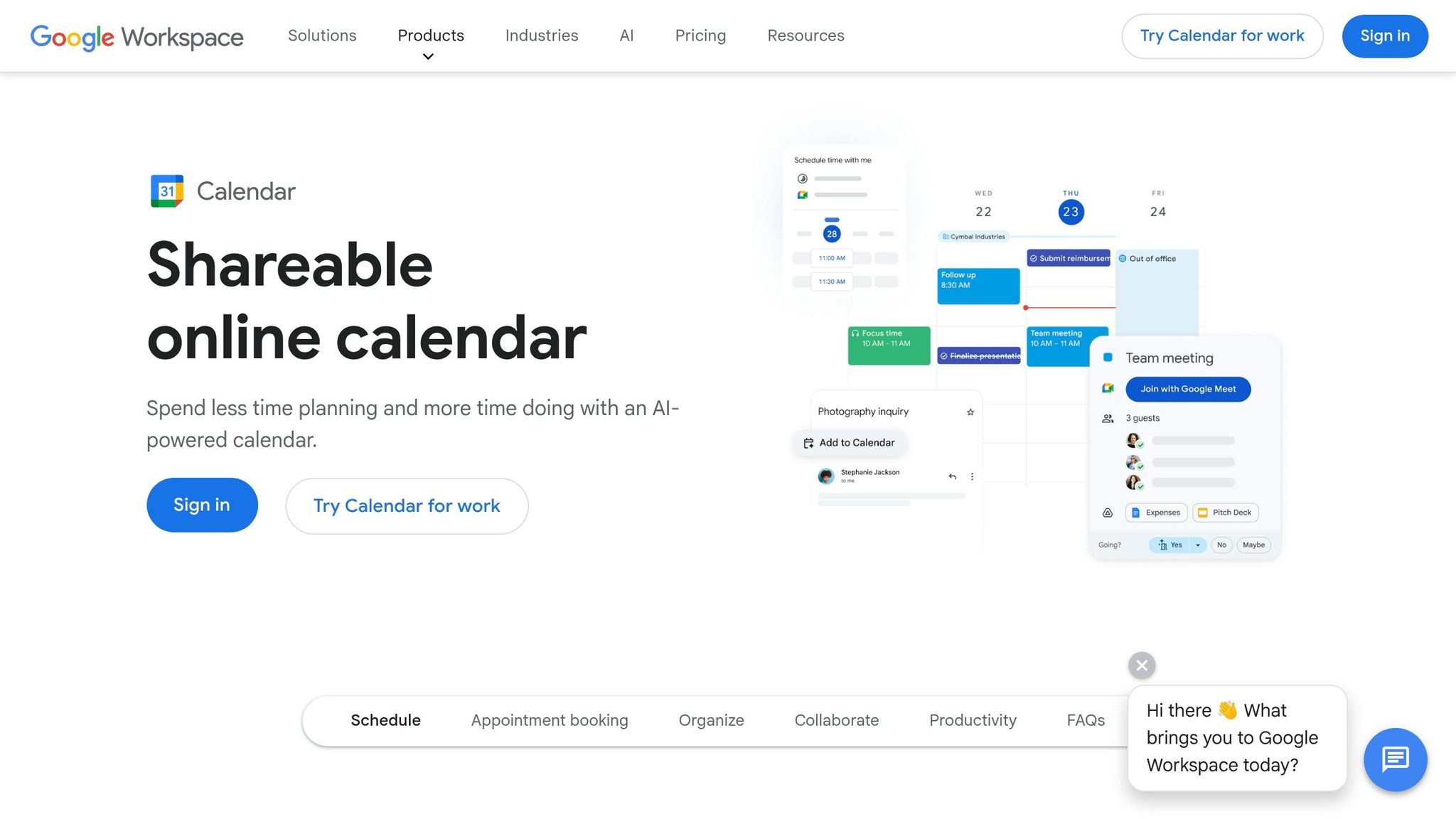
Google Calendar is a free, straightforward option that integrates perfectly with other Google services like Gmail and Google Tasks. It’s accessible across all devices and requires no steep learning curve, making it a great choice for remote workers already using the Google ecosystem.
The app’s "Goals" feature is particularly handy, as it automatically schedules recurring activities like workouts or study sessions, creating simple time blocks for you. However, it doesn’t include advanced automation or project management tools like subtasks or templates. If your plans shift, you’ll need to manually adjust your schedule.
| Aspect | Details |
|---|---|
| Pricing | Free for personal use; Workspace starts at $6/user/month for business |
| Pros | Free, easy integration with Gmail and Google Tasks, works across all devices |
| Cons | No advanced automation or AI features, lacks project management tools, manual rescheduling required |
sbb-itb-8dc0621
How Bridged Helps Remote Workers
Choosing the right time-blocking tool can feel daunting, especially with so many options to sift through. Bridged simplifies this process by helping remote workers find tools that align with their unique work styles and professional requirements. It evaluates time-blocking apps based on five key factors: calendar integration, ease of use, centralized task views, customization, and integration. This tailored approach ensures the tools not only meet your needs but enhance your workflow seamlessly.
Bridged doesn’t just stop at tools. It also addresses a broader challenge: effective time management. Managing your time well often requires more than just the right app - it demands ongoing skill development. That’s why Bridged recommends professional certifications and courses to help you refine essential skills like goal-setting and eliminating distractions. Options include:
- Harvard's Professional Certificate in Leading in a Remote Environment ($322)
- Stanford's Hybrid-Remote Team Management Course ($765)
- HR Academy's free course, "Managing Remote and Hybrid Teams"
These programs are designed to bridge capability gaps, a pressing issue given that only 23% of managers feel confident managing remote teams, while 53% of leaders see skill-building as the solution. For example, UC Irvine's "Work Smarter, Not Harder: Time Management" course, rated 4.6/5 by over 17,000 participants, is a popular choice for mastering productivity techniques.
Whether you're looking to advance in your current role or explore new career paths, Bridged offers the insights and guidance to help you identify skill gaps and pursue the right certifications. It’s all about working smarter, not harder.
Conclusion
Time blocking transforms remote work from a chaotic, reactive experience into a structured and focused process by assigning specific tasks to designated time slots. This method allows you to prioritize what truly matters and stay on track.
The tools discussed in this article cater to different needs and preferences. Sunsama and Morgen emphasize intentional planning through guided routines, while Toggl Track is ideal for freelancers needing accurate time tracking for billing. For those who prefer automated scheduling, Clockwise and Reclaim use AI to optimize your calendar. If you're looking for budget-friendly options, Todoist, TickTick, and Google Calendar provide straightforward and accessible solutions.
When deciding on a tool, think about your personal work style. If you want automation that adjusts throughout the day, Reclaim or Clockwise might be a great fit. On the other hand, if you prefer more hands-on control and a mindful approach, Sunsama could be the way to go. Take advantage of free trials to find the option that feels most natural for your workflow.
To get started, try protecting 2-3 deep work blocks each day and include buffer time for unexpected interruptions. As Cal Newport suggests, spend 10-20 minutes each evening planning the next day’s schedule. This simple habit can help reduce decision fatigue and maintain the balance between work and personal life that’s so crucial for remote professionals. The right time blocking tool doesn’t just enhance daily productivity - it also supports your long-term goals and well-being. Find the system that works for you and take control of your productivity journey.
FAQs
How do I choose the right time-blocking tool for my work style?
To choose the right time-blocking tool, think about what matters most to you - automation, ease of use, or in-depth analytics. If auto-scheduling is a priority, Sunsama and FlowSavvy are strong picks. For those who want better task organization, Todoist and Toggl Track are worth exploring. Need tools that adapt in real-time? Check out Motion or Reclaim AI. Experiment with a few to find the one that fits your workflow and boosts your productivity.
What’s the easiest way to start time blocking without overplanning?
Start with a straightforward plan that focuses on the basics and works within short time frames. Pinpoint your top priorities for the day or week, and set aside specific time slots to tackle them. Leave some wiggle room in your schedule for unexpected interruptions or changes. Start small - try working in 15- to 30-minute increments - and gradually increase the time as you build confidence. This approach keeps things manageable and helps you ease into a steady routine.
How do I keep time blocks realistic when meetings and interruptions pop up?
To make your schedule more practical, include buffer time to handle unexpected interruptions. Organize your day using structured blocks such as focus time, meeting time, and buffer time. This method helps you stay organized while keeping your schedule flexible enough to handle disruptions effectively.
Related Blog Posts


